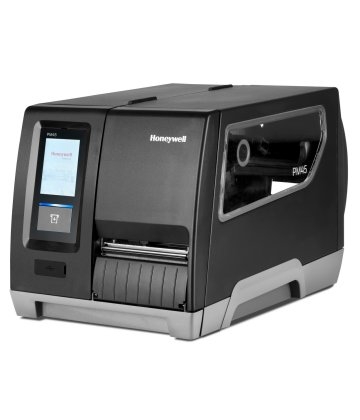
Desktop Printer, Inventory SystemPM45-VA Label Printer
+ Free Shipping
The PM45-VA barcode label printer system is designed for use at VA Hospitals where VistA, Maximo, AbovePar or DMLSS systems are in use. The PM45-VA is a direct replacement for the PM43 and similar models before it, and it uses the same ribbons and labels. It is a drop in replacement to replace other Honeywell and Intermec printers.
New Feature – Small Label Mode
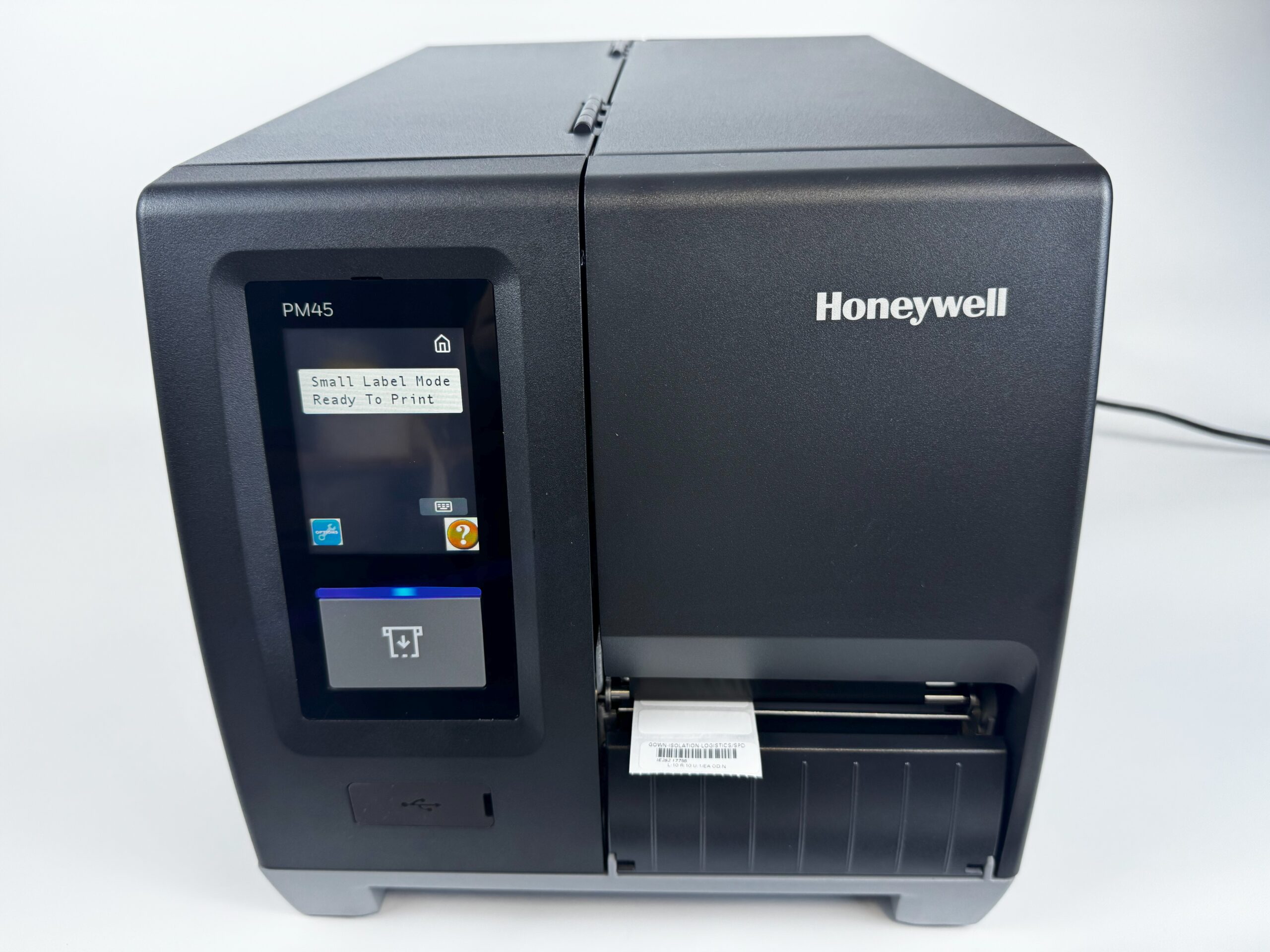
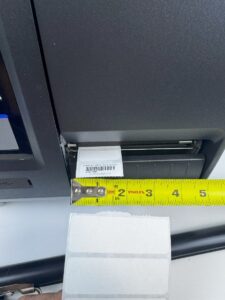
A new feature is the PM45-VA is capable of printing small labels (1.5″ wide x 0.5″ tall) which is ideal for applying property labels to small items such as Vocera phones, the front bezel of a computer monitor, etc. Small labels can also be applied to TV monitors, computer monitors, etc which is easier and faster to scan versus the standard sized labels which are placed on the backside of the property. The PM45-VA is capable of printing both standard size (3″ x 1″) labels in addition to the small labels.
It is capable of printing labels reliably, quickly and smear-free when used with labels and ribbons provided by MSS Software. Contact MSS Software about labels and ribbons for a long-lasting and smear free image.
Part#: MPM45
Call us at 1-800-428-8643 or email us for more information.
Overview
New Dual Label Support
The PM45-VA has the ability to print on two labels sizes depending on your needs: standard (3” wide x 1” tall) labels or on small (1.5” wide x 0.5” tall) labels. Changing label sizes is easy to do by installing the labels, and the printer automatically detects the label size. No special programming or set up is needed by OI&T staff.
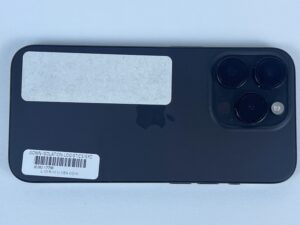
iPhone 15 with standard and small labels |
Small Labels for Small Devices
Small labels are ideal for applications onto small devices. The standard VA label is sometimes too bulky to fit appropriately on the device.
|
| Small Labels for Easy Access
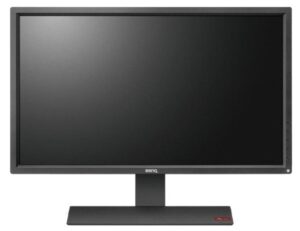
Small labels can be placed in areas more convenient for inventory managers such as the front display of a PC monitor or TV. It is typical for inventory managers to need to reach behind a monitor, TV or some other awkward place to find the barcode placed on the back of the asset. Small labels placed on the front make it obvious that the property is labeled, and quick to scan it. |
 |
| Drop In Replacement
The Honeywell PM45-VA is a drop in replacement for models preceding it such as the PM43, and other Intermec printers. OI&T will appreciate the faster processor in the PM45-VA which makes it more responsive and easier to support. |
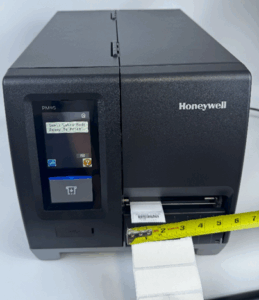
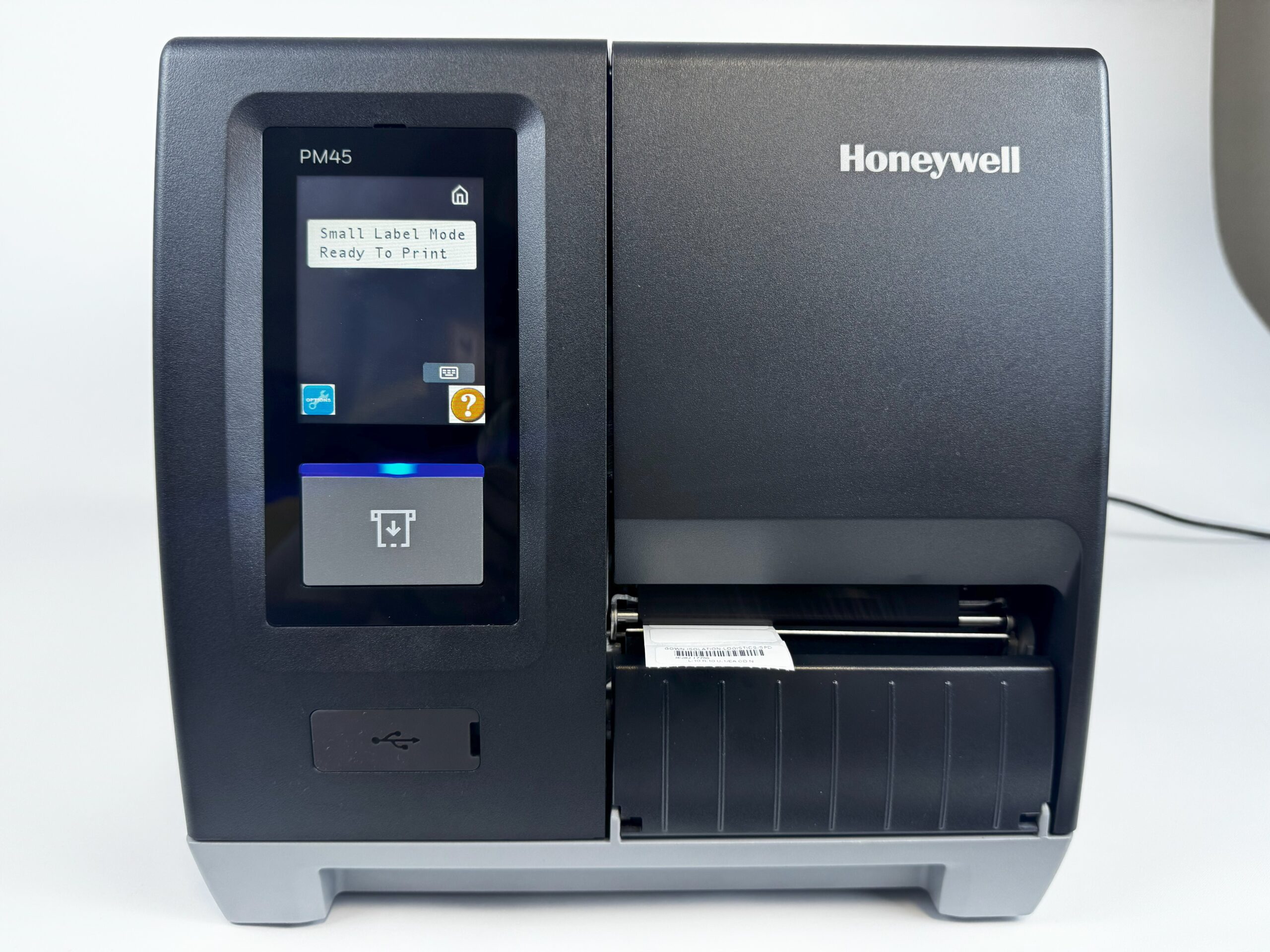
The PM45-VA is shown printing a small label which is compared to the standard size label.
|
Support
Q. How do I adjust the start position of the label so it prints correctly?
A. In the printer’s Menus – accessible via its front-panel display and controls – the Start and Stop Adjust are located at ‘Menu’ button > ‘Settings’ > ‘Printing’ > ‘Media’.
Find the ‘Label Top Adjust’ field and make any necessary corrections. A negative Start Adjust value has the printer pull back in – or retract – the printable stock just before printing. A positive Start Adjust value has the printer feed out the printable stock just before printing. The range of allowed values for Start Adjust is [-9999 … 9999].
Part(s) List
LABEL PRINTER
MPM45-V
Vista Label Printer Kit. Includes Honeywell PM45 with VersaLabel firmware. Includes 1 roll of 3″ x 1″ labels, 1 roll of 1.5″ x 0.5″ labels, and ribbon included. One Year Warranty. |
LABELS
MLD8000W
Labels, 3.0″ x 1.0″, Smear Proof Poly Labels, White, for PM43 and similar. Price per Roll. By MSS SoftwareMPM45-SL
1.5″ X 0.5″ Label, Thermal Transfer, Poly, Permanent Adhesive. 9,420 Labels/Roll. Sold per Roll. |
RIBBONS (INK)
MLT8000R
Ribbon for Smear Proof Barcodes. For PM43 and similar printers. Per roll. By MSS Software |
REPLACEMENT PARTS
MPM45-RPH
MPM45 Replacement Print Head. Used with the Vista Label Printer. |